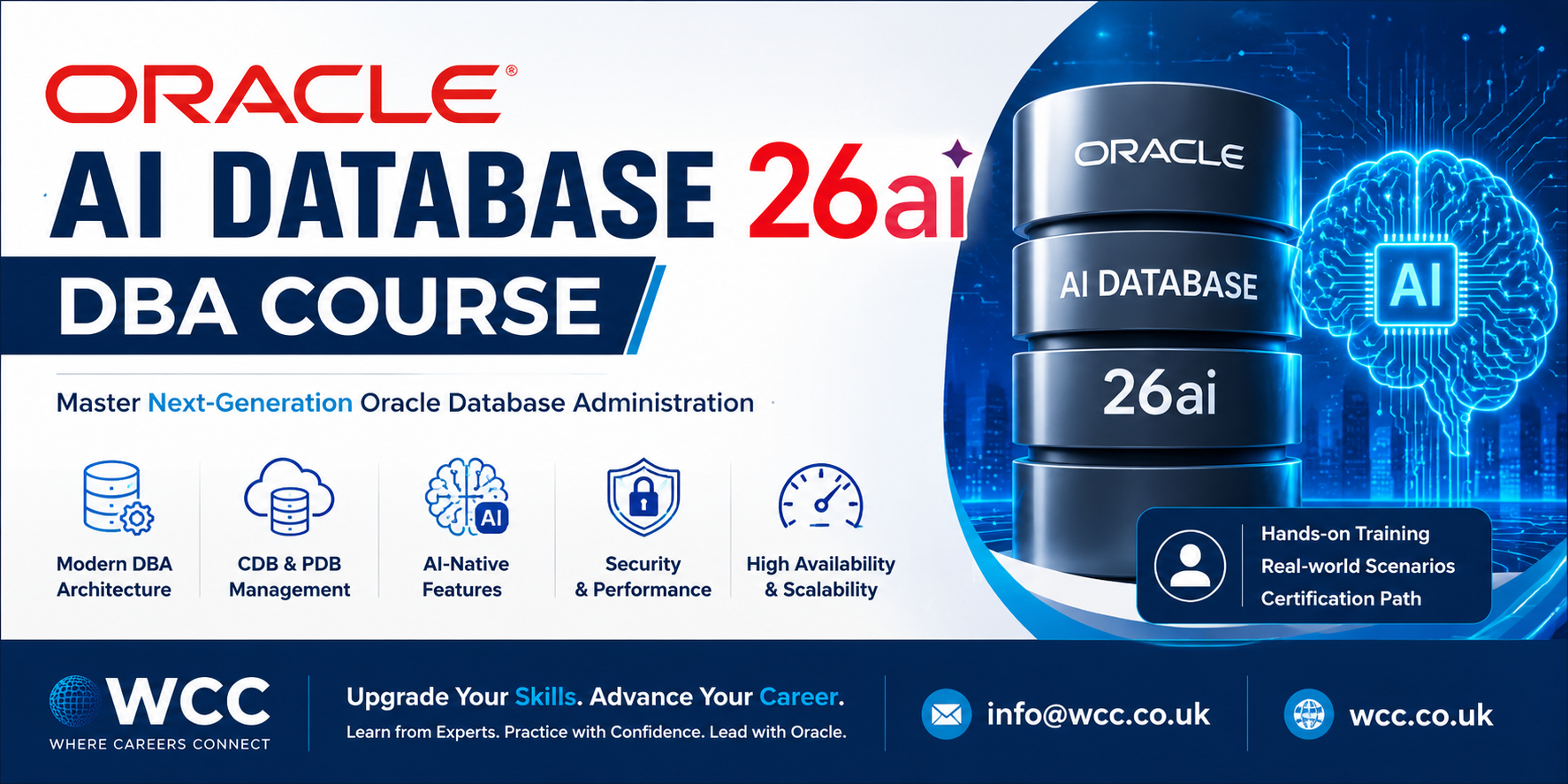
Oracle AI Database 26ai DBA
6 Saturdays (9am to 11am) | Intermediate to Advanced | Course Notes
Course Content
Week 1 — Architecture, Installation & Upgrade
- Overview of Oracle AI Database 26ai architecture: instance, memory structures (SGA, PGA), and background processes
- Understanding the Multitenant architecture: Container Database (CDB) and Pluggable Databases (PDBs)
- Installing Oracle AI Database 26ai on Linux and Windows platforms
- Using the Database Creation Assistant (DBCA) and Oracle Universal Installer (OUI)
- Creating a database manually using SQL commands and the CREATE DATABASE statement
- Upgrading from Oracle 19c/23ai to 26ai — applying the October 2025 Release Update[reference:0]
- Post-upgrade tasks and validating the database environment
- Navigating the new command-line installer for simplified deployments[reference:1]
Week 2 — Multitenant Administration & PDB Management
- Deep dive into CDB and PDB architecture: root, seed, and application containers
- Creating, cloning, plugging, and unplugging PDBs
- Managing PDB resource allocation and priority settings — prioritising important PDBs over less critical ones[reference:2]
- PDB-level administration: users, privileges, and tablespaces
- Backup and recovery of individual PDBs using RMAN
- Using Oracle Enterprise Manager Cloud Control for container management
- Monitoring PDB performance and resource usage
- Best practices for Multitenant deployment in production environments
Week 3 — Security Management: Auditing, Encryption & Access Control
- Understanding the new Unified Auditing framework — the primary method for database auditing in 26ai[reference:3]
- Configuring audit policies for AI workloads, vector operations, and traditional data access
- Improvements to encryption, auditing, and real-time threat detection[reference:4]
- Managing users, roles, and privileges in a Multitenant environment
- Implementing Transparent Data Encryption (TDE) and backup encryption
- Schema-level privileges for simplified access management[reference:5]
- Deprecated features: Enterprise User Security (EUS) — understanding the migration path[reference:6]
- Desupported features: EM Express (use OCI Database Management or SQL Developer instead)[reference:7]
Week 4 — Performance Tuning, Diagnostics & AI-Driven Optimization
- Oracle AI Database 26ai performance architecture: AI-driven diagnostics, self-healing, and self-optimization capabilities[reference:8]
- Using Automatic Workload Repository (AWR) and Automatic Database Diagnostic Monitor (ADDM)
- Cluster Health Monitor improvements — autonomous detection and corrective actions for critical component failures[reference:9]
- SQL Diagnostic Report: generating deep-level HTML diagnostic reports including plan history, optimizer statistics, and index details[reference:10]
- Managing AI Vector Search workloads alongside high-volume OLTP transactions in the same engine[reference:11]
- Performance tuning for vector indexes (HNSW) with concurrent DML operations[reference:12]
- Telemetry Streaming for ultra-fast metrics ingestion and observability using REST, SQL, and PromQL[reference:13]
- Using the new priority transactions feature to handle lock contention and prevent hanging updates[reference:14]
Week 5 — Backup, Recovery & High Availability
- RMAN (Recovery Manager) fundamentals: full, incremental, and cumulative backups
- Desupported feature: Data Recovery Advisor (DRA) — understanding the implications and adapting RMAN workflows[reference:15]
- Configuring backup strategies for CDB and PDB environments
- Using Oracle Data Pump (expdp/impdp) — the original EXP utility is desupported[reference:16]
- Point-in-time recovery and tablespace recovery
- Setting up Oracle Data Guard for disaster recovery and high availability
- Configuring Data Guard Broker and managing physical standby databases[reference:17]
- Implementing Flashback technologies for database and table recovery
Week 6 — Patching, Automation, Fleet Management & Capstone Project
- Understanding the patching strategy for 26ai: gold images and individual software patches from My Oracle Support[reference:18]
- Using Oracle Update Advisor for software maintenance recommendations and patch status[reference:19]
- Integrating Oracle Fleet Patching and Provisioning (FPP) for automated gold image creation and deployment[reference:20]
- Automating routine DBA tasks with Oracle Scheduler and DBMS_SCHEDULER
- Managing Oracle AI Database in cloud and hybrid environments
- Using the operating system certificate store for database authentication instead of client wallets[reference:21]
- Best practices for database maintenance, monitoring alerts, and capacity planning
- Capstone Project: Deploy, secure, and maintain a production-ready Oracle AI Database 26ai environment with Multitenant, Data Guard, and automated patching
Project: Build and manage a complete Oracle AI Database 26ai environment from installation to production, implementing security, performance tuning, backup strategies, and automated patching.
Starting Date: 4th July 2026
Course Fee: £2990