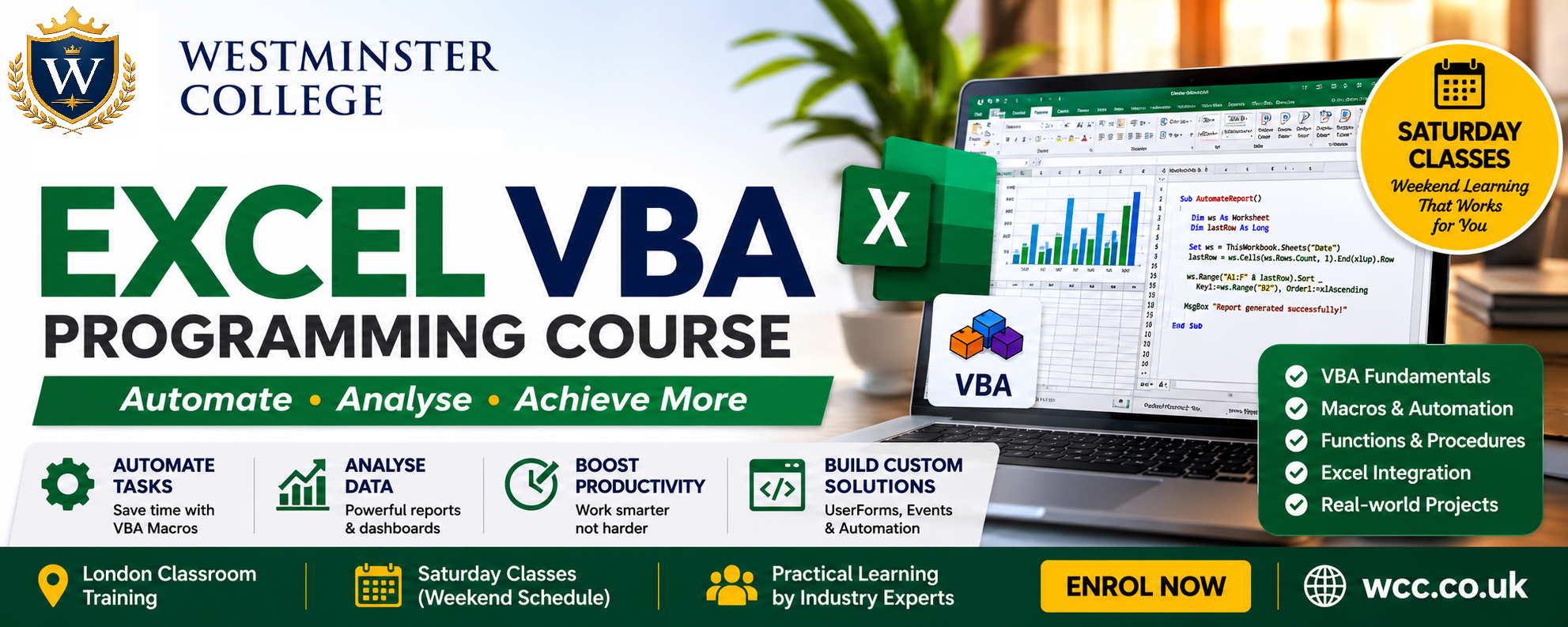
Excel VBA Programming
⏱ 6 weeks · advanced | 2pm to 4pm
Overview
Automate complex spreadsheets, build custom financial models, and create powerful Excel add-ins using Visual Basic for Applications (VBA).
Core modules
Module 1 — VBA Fundamentals & Development Environment
- Introduction to Excel VBA and macro automation
- VBA Editor (VBE) interface and project structure
- Writing and running macros
- Objects, properties, methods, and events
- Debugging tools (breakpoints, step execution, watches)
- Error handling fundamentals and best practices
Module 2 — Procedures & Event-Driven Programming
- Sub procedures vs Function procedures
- Modular programming and reusable code design
- Event-driven programming (Workbook & Worksheet events)
- Passing arguments and returning values
- Variable scope (Public, Private, Static)
- Best practices for structured VBA development
Module 3 — Ranges, Arrays & Advanced Data Handling
- Working with Excel Range objects efficiently
- Cell referencing techniques (absolute, relative, dynamic)
- Arrays (1D and 2D) for performance optimization
- Looping structures for large datasets
- Sorting, filtering, and data transformation
- Handling large-scale Excel data efficiently
Module 4 — UserForms & Interactive Interfaces
- Designing UserForms for user input
- Form controls (text boxes, buttons, combo boxes, list boxes)
- Input validation and event handling
- Building interactive Excel applications
- Introduction to custom Ribbon interfaces
- Enhancing user experience with VBA UI design
Module 5 — Automation of Excel Features & File System Processing
- Automating charts and dynamic reporting
- PivotTable creation and automation
- Data cleaning and workflow automation
- File System Object (FSO) for file handling
- Batch processing multiple Excel workbooks
- Automating repetitive business processes
Module 6 — Advanced Integration, APIs & Add-ins
- Connecting Excel to SQL databases (ADODB)
- Integrating Excel with external REST APIs
- Building scalable automation systems
- Creating Excel Add-ins (.xlam)
- Code protection and security best practices
- Developing reusable VBA libraries for enterprise use
Real‑world use cases
- Financial reporting automation (profit & loss, dashboards)
- Data transformation for audit & compliance teams
- Monte Carlo simulations in finance & engineering
Starting Date: 11th July 2026
Course Fee: £1990